
Now, “Inbox Zero” is no longer a test of your personal discipline; it is a test of your automation stack. We receive more digital communication today than at any point in history. Between professional threads, newsletters, automated system alerts, and cold outreach, the average professional spends over three hours a day just triaging their inbox.
Traditional email filters, which rely on rigid “if-then” keywords, have officially reached their limit. They can’t distinguish between an “Urgent Billing Issue” from a client and a “Billing Update” newsletter from a SaaS tool you rarely use.
The solution is the AI Agents for Email. This is not just a filter; it is an intelligent digital assistant that reads, understands, and prioritizes your mail based on intent and context. This guide will walk you through exactly how to set up an AI agent to reclaim your time and achieve a truly quiet inbox.
What Exactly is an AI Agents for Emails?
Before we dive into the “how,” we must understand the “what.” In 2026, an AI Email Agent is an autonomous software layer that sits between your mail server (Gmail, Outlook, Proton) and your eyes.
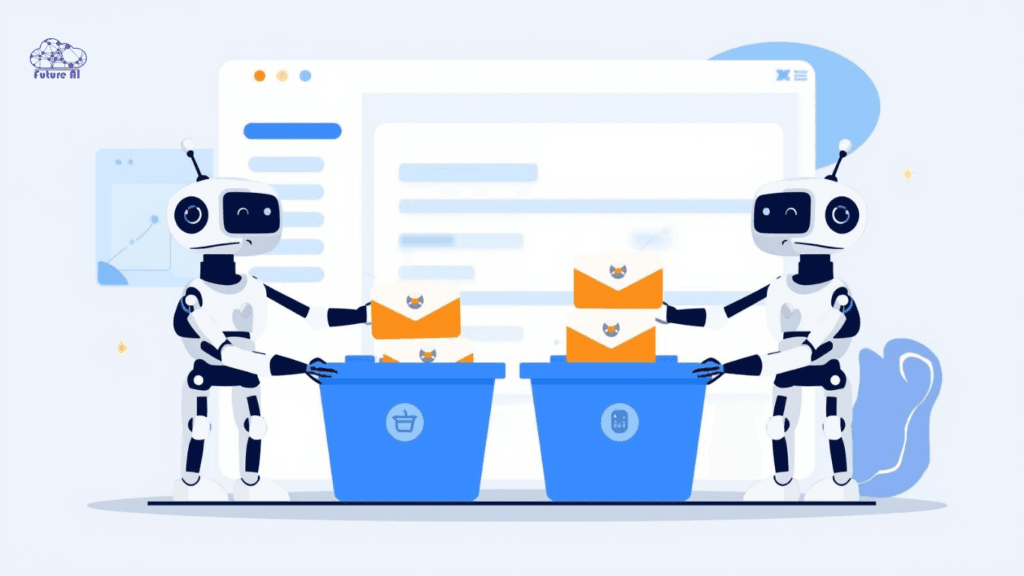
Beyond the Filter: The Agentic Difference
- Contextual Understanding: While a filter looks for the word “Invoice,” an agent understands if the invoice is overdue (High Priority), already paid (Archive), or a scam (Spam).
- Autonomous Action: Agents don’t just label; they can draft replies, summarize 50-email threads into three bullet points, and even push data to your CRM or project management tools.
- Intent Recognition: The agent can identify the difference between someone asking for a meeting (Schedule) and someone asking for a discount (Sales Triage).
AI is moving beyond prompts toward autonomous goal-driven systems. Understand this major shift in The State of Agentic AI 2026: Why Prompts Are Dying and Goals Are Taking Over.
Step-by-Step: How to Implement Your AI Email Agent
You don’t need to be a coder to use an AI agent. In 2026, there are three primary paths to implementation.
Step 1: Choose Your Entry Point
- Native Assistants (Easy): Use Google Gemini for Workspace or Microsoft Copilot for Outlook. These are built into your existing inbox.
- Third-Party Power Clients (Medium): Tools like Shortwave or Superhuman replace the Gmail/Outlook interface with an AI-first dashboard.
- Custom Agent Workflows (Advanced): Using platforms like n8n or Zapier Central to build a bespoke agent that follows your specific business logic.
Step 2: Secure Connection (OAuth)
Regardless of the tool, you will need to connect it to your mail server. Never share your actual email password.
- Look for OAuth 2.0 authentication. This allows you to grant “Limited Access” (like “Read and Label”) without giving the tool total control over your account.
Step 3: Defining Your “Buckets” (The Sorting Logic)
Don’t just use “Inbox.” Define the logic your agent should follow. Common 2026 “Buckets” include:
- Action Required: High-priority emails from humans requiring a response.
- FYI / Low Priority: Status updates from software or newsletters you want to read later.
- Automated Cleanup: Receipts, login alerts, and shipping notifications that should be archived immediately but kept for records.
Step 4: The Training Phase
For the first 7–14 days, your agent is a “junior assistant.” You must correct its mistakes.
- If an agent labels a client as “Promotion,” manually move it to “Urgent.” Most 2026 agents use Active Learning, meaning they will never make the same mistake twice once corrected.
Top AI Email Agents (Comparison)
| Tool | Best For | Standout Sorting Feature |
| Shortwave | Gmail Power Users | Bundles: Intelligently groups related threads into a single row. |
| SaneBox | Universal Sync | SaneBlackHole: Drag an email here to never see that sender again. |
| Superhuman | Executives | Split Inbox: Uses AI to separate VIPs from “Everything Else” instantly. |
| Microsoft Copilot | Corporate Teams | Catch Up: Provides a “Daily Briefing” of your most urgent threads. |
| n8n (Custom) | Automators | Task Sync: Turns sorted emails into Jira or Trello cards automatically. |
4. Advanced Strategies: From Sorting to Execution
Once your agent is sorting your mail, you can move to the “Executive Level” of automation.
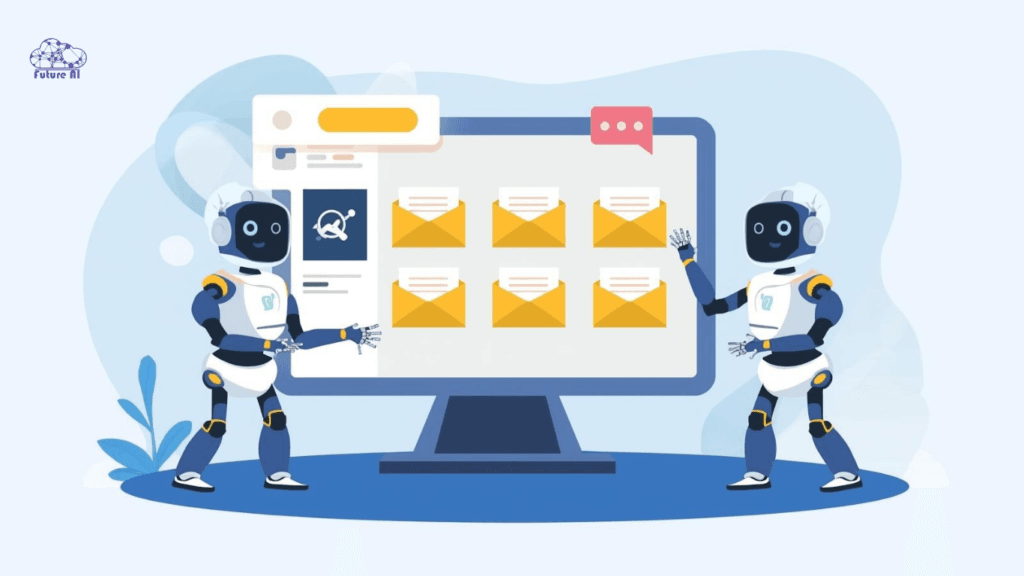
Automated Thread Summarization
In 2026, you shouldn’t read long threads. High-end agents like Shortwave and Superhuman provide an “Instant Summary” at the top of every conversation. You can see the conclusion of a 10-person debate without scrolling once.
The “Ghostwriter” Workflow
When an email is sorted into “Needs Reply,” your agent can look at your sent folder to learn your “Voice.” It will pre-draft a response that sounds like you. Your job changes from writing emails to editing and approving them.
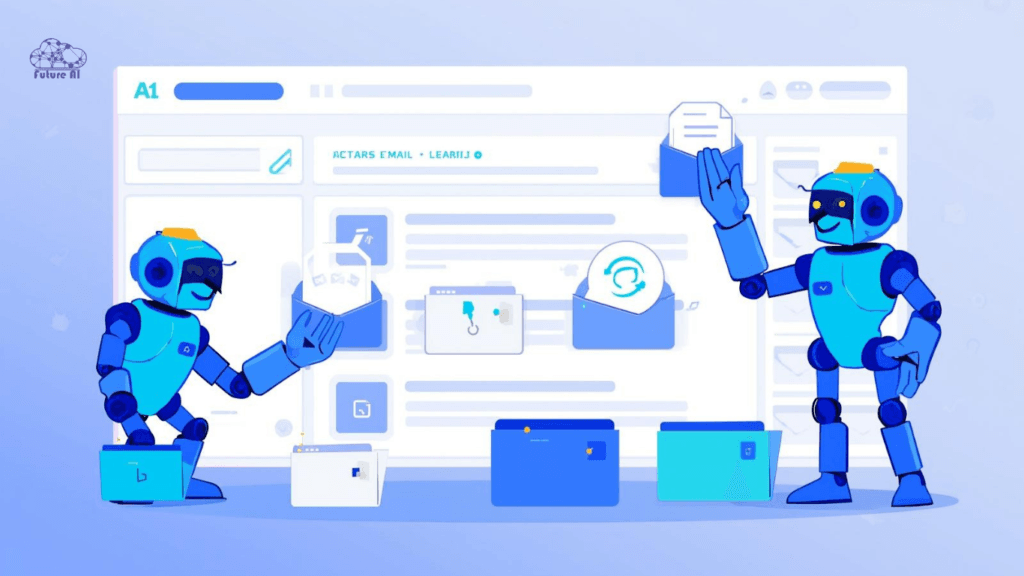
Cross-App Triggering (The Power of n8n)
Using a DIY agent like n8n, you can create logic like:
“If an email arrives from a ‘Potential Lead’ and they mention a budget over $5,000, sort it to ‘VIP,’ add them to HubSpot, and notify me on Slack.”
Security and Privacy: Keeping Your Inbox Safe
Granting an AI access to your emails is a major trust exercise. Follow these 2026 security best practices:
- Zero-Knowledge Processing: Look for tools that offer “On-Device AI” (like Apple Intelligence) or “Zero-Retention” (where the AI “reads” the mail but never stores a copy of it on their servers).
- Compliance Labels: Only use tools that are SOC2 Type II and GDPR compliant.
- Human-in-the-Loop: Never give an AI agent the permission to delete emails. Set it to archive instead. This ensures that if the AI makes a mistake, the data is still searchable in your “All Mail” folder.
Not sure whether to hire an AI sales agent or build one from scratch? Discover the real costs, scalability trade-offs, and expert recommendations in Hire vs. Build: Best AI Sales Agents in 2026.
Common Mistakes & Troubleshooting
- Over-Automation: Don’t try to create 50 different labels. The AI will get confused, and so will you. Stick to 4–6 high-level categories.
- Missing the “Spam” False Positives: Occasionally, an AI agent might be too aggressive and archive a legitimate message. Schedule a “Weekly Sweep” where you spend 5 minutes glancing at your archived folder to ensure nothing was missed.
- Vague Prompts: If you are using a custom agent, avoid rules like “Sort important stuff.” Be specific: “Important emails are those from anyone with a @companyname.com domain or containing the words ‘Contract’ or ‘Meeting’.”
FAQ (People Also Ask)
Q: Will an AI agent use my emails to train its public model?
A: If you use “Enterprise” or “Pro” tiers of tools like Gemini or Copilot, the answer is generally No. Your data is siloed. However, free tools often do use data for training. Always read the privacy policy.
Q: Can I use AI sorting on my phone?
A: Yes. Apps like Shortwave and the new Apple Mail (2026 version) have native AI sorting built directly into the mobile interface.
Q: Does this work with Outlook?
A: Yes. Microsoft Copilot is the best native option for Outlook, while SaneBox works behind the scenes with any provider.
Conclusion: Reclaim Your Focus
The goal of using an AI agent to sort your emails isn’t just to have a clean inbox—it’s to have a clean mind. When you know that an intelligent system is monitoring your messages and surfacing only what truly matters, the “Inbox Anxiety” of the last two decades simply vanishes.
Action Plan for Today:
- Pick one low-risk “bucket” (like Newsletters or Receipts).
- Use a tool like SaneBox or Shortwave to automate that specific bucket.
- Observe for one week, then move on to automating your “Urgent” triage.